Set up Claude Code with Alchemy in 60 seconds
Author: Uttam Singh
Claude Code is good at writing the code that talks to a blockchain. The trouble starts after that. It guesses which RPC method to call, invents the shape of the response, and has no way to check a balance, a price, or what a transaction actually did. So it writes plausible code against data it can't see.
One command fixes that. Connect Claude Code to Alchemy and it stops guessing. It reads live data across 100+ chains, simulates a transaction before anything runs, and, when you let it, signs and sends. One command turns Claude Code into an onchain agent, and the setup takes about a minute.
What does connecting Claude Code to Alchemy do?
The connection runs over MCP (Model Context Protocol), an open standard that lets an agent discover and call external tools at runtime. Our Alchemy MCP server is hosted, so there is nothing to run locally. Point Claude Code at it once and it gains 168 tools across 100+ networks, grouped into three families: admin (manage your apps), RPC (every JSON-RPC method on every chain), and data (prices, token and NFT balances, transfer history, multi-chain portfolios, and transaction simulation).
The difference shows up the first time you ask a real question. Without a data connection, "what's the current price of ETH?" gets you a number from training data that was stale the day the model shipped. With the server connected, Claude Code calls a tool and reads the price from a live endpoint. The same holds for a wallet balance, an NFT owner, or the asset changes a pending transaction would cause. Your agent moves from writing code about the chain to reading the chain directly.
The 60-second setup
The fastest path is the hosted server. Run one command in your terminal:
claude mcp add alchemy --transport http https://mcp.alchemy.com/mcpRestart Claude Code (or open a new conversation) and run /mcp to confirm alchemy shows up in the list of active servers. The first time Claude Code calls an Alchemy tool, a browser window opens to sign in with your account. Authentication uses OAuth, so there is no API key to paste, no local install, and nothing in a .env file.
After that, point your agent at one of your apps ("select an Alchemy app") and start asking. That is the whole setup: one command, one browser sign-in, and your coding agent is reading live onchain data.
What can you ask once it is connected?
The point of the connection is that you ask in plain English and Claude Code picks the right tool. A few prompts that work the moment the server is wired in:
- "What's the current price of ETH and USDC?" reads spot prices from the Data API Prices surface.
- "Show me the tokens vitalik.eth holds across Ethereum, Base, and Arbitrum." pulls a multi-chain portfolio in a single call instead of querying each chain by hand.
- "What did transaction 0xabc... actually do?" runs a simulation and returns a human-readable diff of every token and ETH movement, so the agent reasons about effects, not raw calldata.
- "Which contracts has this address interacted with in the last 100 blocks?" reads transfer history and event logs directly.
Each answer comes back as structured data the agent can act on, not prose it has to parse. That is what makes a connected agent useful. It reads its own ground truth, then writes code or makes a recommendation against data that is true right now.
How do you go further with the CLI and Skills?
The hosted server is the quickest way in. If you'd rather have it bundled, the Alchemy plugin for Claude Code packages the same MCP server with slash commands like /alchemy:balance and Agent Skills in a single install. And the Alchemy CLI is the way to go deeper, because it adds two things neither of those ship: scriptable commands you can pipe and chain, and transaction signing with a wallet you control.
Install it, sign in, and wire it into Claude Code:
npm i -g @alchemy/cli@latest
alchemy auth login
alchemy install mcp
alchemy install skills
alchemy install skills adds Alchemy Skills, machine-readable workflows that teach a coding agent how to use the CLI without scanning docs at runtime. The bundle covers four surfaces: the CLI itself, app integration with an API key, MCP, and the wallet-based payment flow. One more command, alchemy agent-prompt, emits a JSON manifest of every command, flag, error code, and runnable example that you can drop straight into Claude Code's context. Together, Skills and the manifest mean the agent already knows the surface before it sees a single doc page. Full reference lives in the Alchemy CLI docs and the build with AI overview.
Can Claude Code sign and send transactions?
Reading is safe by default. Writing needs a wallet, and the question every developer should ask first is where the private key lives. With the CLI it never lives in your agent's context.
alchemy wallet connect --mode sessionThis connects agent wallets with Privy custody. Privy holds the wallet's private key on its side. The CLI generates a fresh, time-bound session key on your device and signs with that, so a compromised prompt can't drain the wallet and the raw key never touches the model. Revoke the session from the dashboard or with alchemy wallet disconnect and it stops working immediately. From there the agent can simulate a transaction, show you the diff, and send only after you approve. The rule holds whichever mode you pick. The agent never sees a raw private key, and if your design puts one in context, you have built a vulnerability instead of an agent.
This is also the pattern worth teaching your tools. A coding agent with no Alchemy context tends to reach for raw key handling when you ask it to sign. Wire in the CLI and the managed session flow becomes the default it reaches for, which is the safer answer and the one you want it to learn. For the full architecture, see how to build onchain agents.
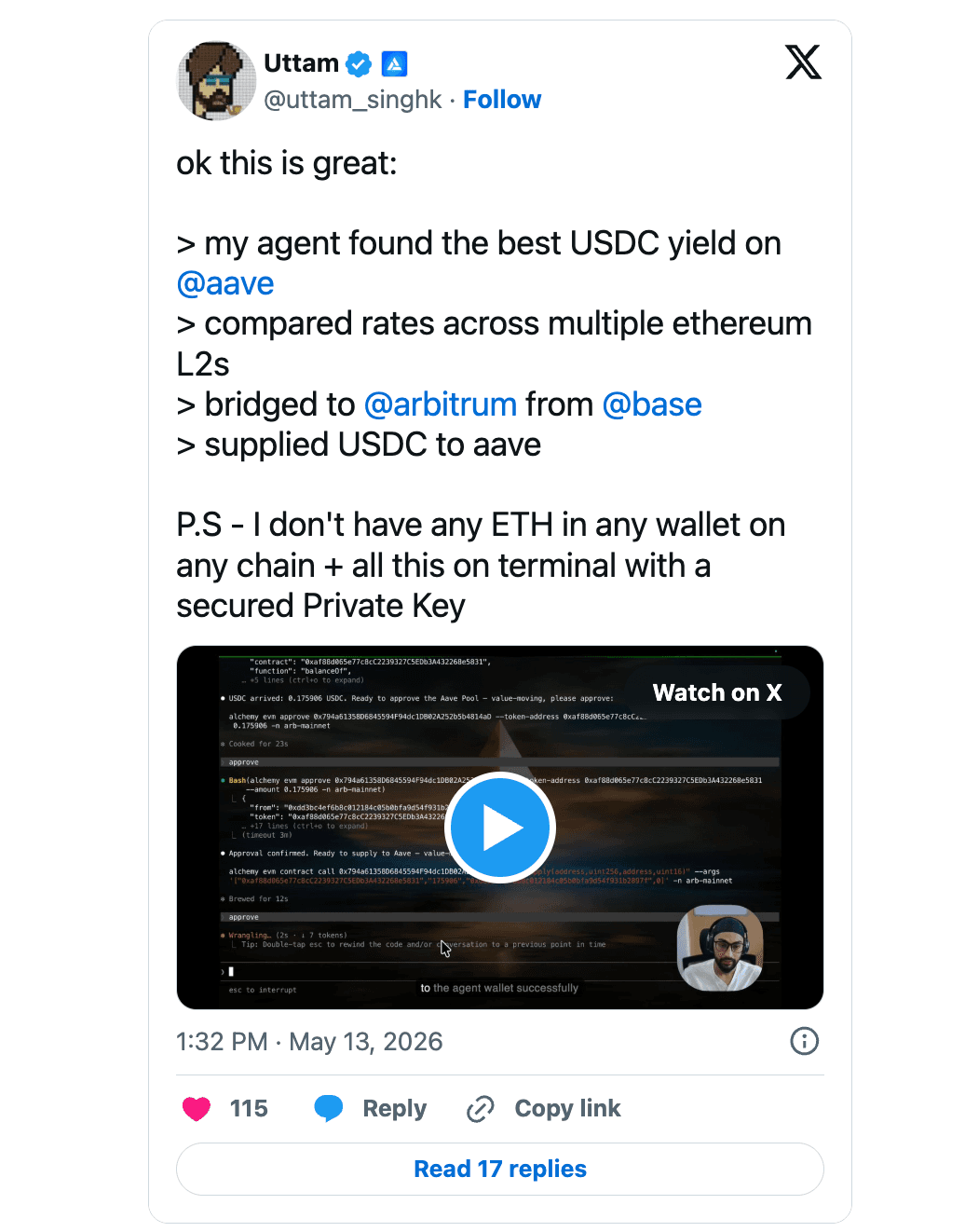
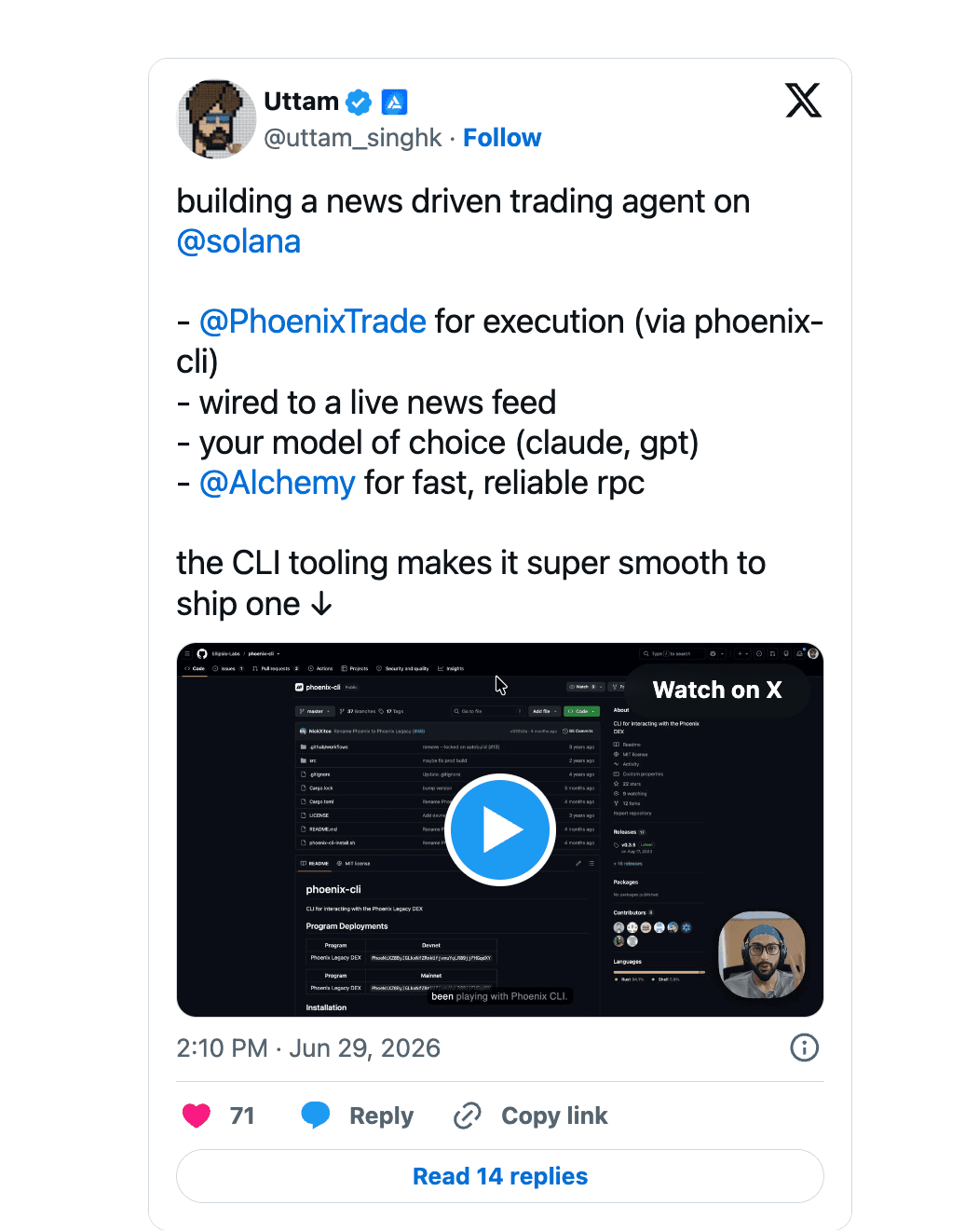
If you want to explore further, check out these demos:
Start in 60 seconds
Connect Claude Code to live onchain data with one command:
claude mcp add alchemy --transport http https://mcp.alchemy.com/mcpSign in when the browser opens and start asking. No API key, no dashboard signup, no local install. Want signing and scriptable commands too? Install the Alchemy CLI, run alchemy auth login, and your agent can read, simulate, and send from the same setup. Your coding agent already writes onchain code. Now it can run it.
Alchemy Newsletter
Be the first to know about releases
Sign up for our newsletter
Get the latest product updates and resources from Alchemy
By entering your email address, you agree to receive our marketing communications and product updates. You acknowledge that Alchemy processes the information we receive in accordance with our Privacy Notice. You can unsubscribe anytime.

Related articles
Introducing the Dashboard AI Assistant
Ask Alchemy is live in the Dashboard. Debug requests, check usage, and manage your setup in plain language.
HyperCore streaming is now in early access on Alchemy
Stream Hyperliquid order books, best bid and offer, and fills over WebSocket, on the same Alchemy account and API key you already use for HyperEVM RPC.
How Alchemy powers stablecoin payments
A payment is either there or it isn't. Here's how Cash App, Slash, AllScale, Pana, and Usual run the onchain half of stablecoin payments on Alchemy.